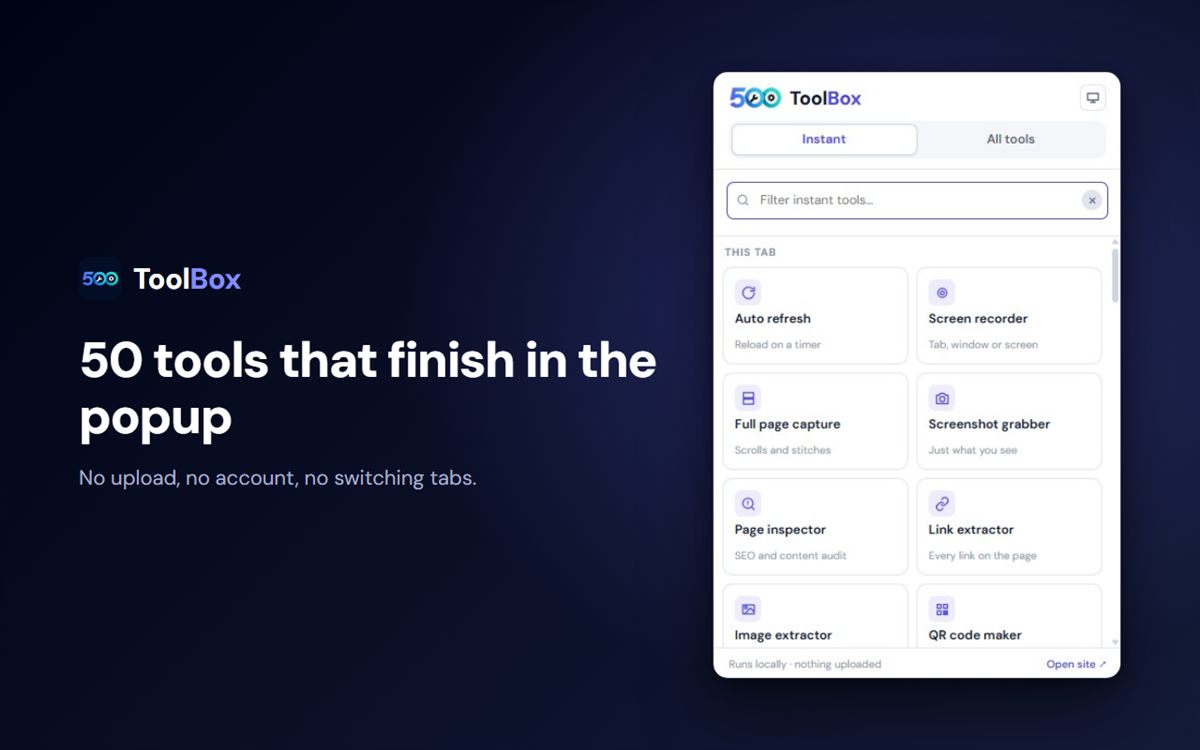
Fifty tools that finish inside the popup - compress an image, capture a page, check a title tag, format JSON, make a QR code - without loading the site, uploading a file or opening a tab. Plus search across all 579 tools.
A fixed set of fifty everyday tools that run where you already are. No page load, no upload, no sign-in - so they answer instantly and keep working on a plane. Ideal when you know what you need and want it done in the tab you are on.
public On 500toolbox.com
Everything else: 579 tools across 20+ categories, including the heavy ones - PDF editing, background removal, video conversion, the invoice and quotation generators. The popup links straight into them, and the search tab finds the right one by name.
See it before you install
Seven screens from the store listing, in order.
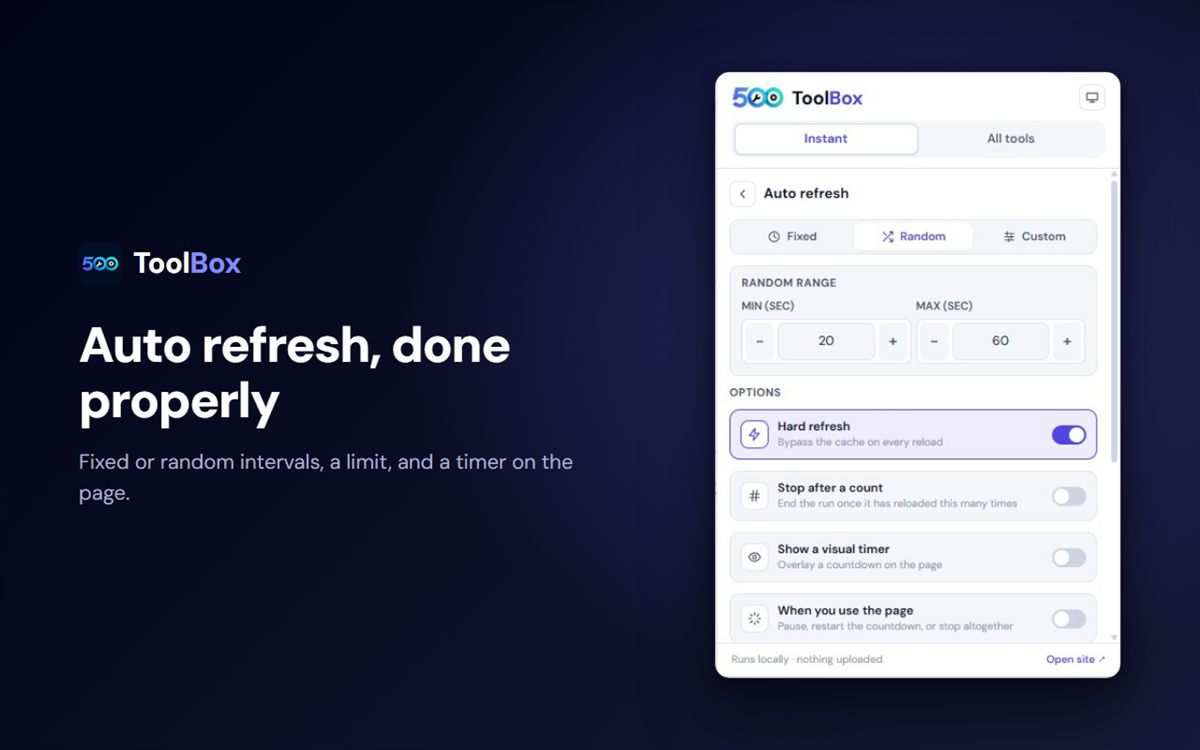
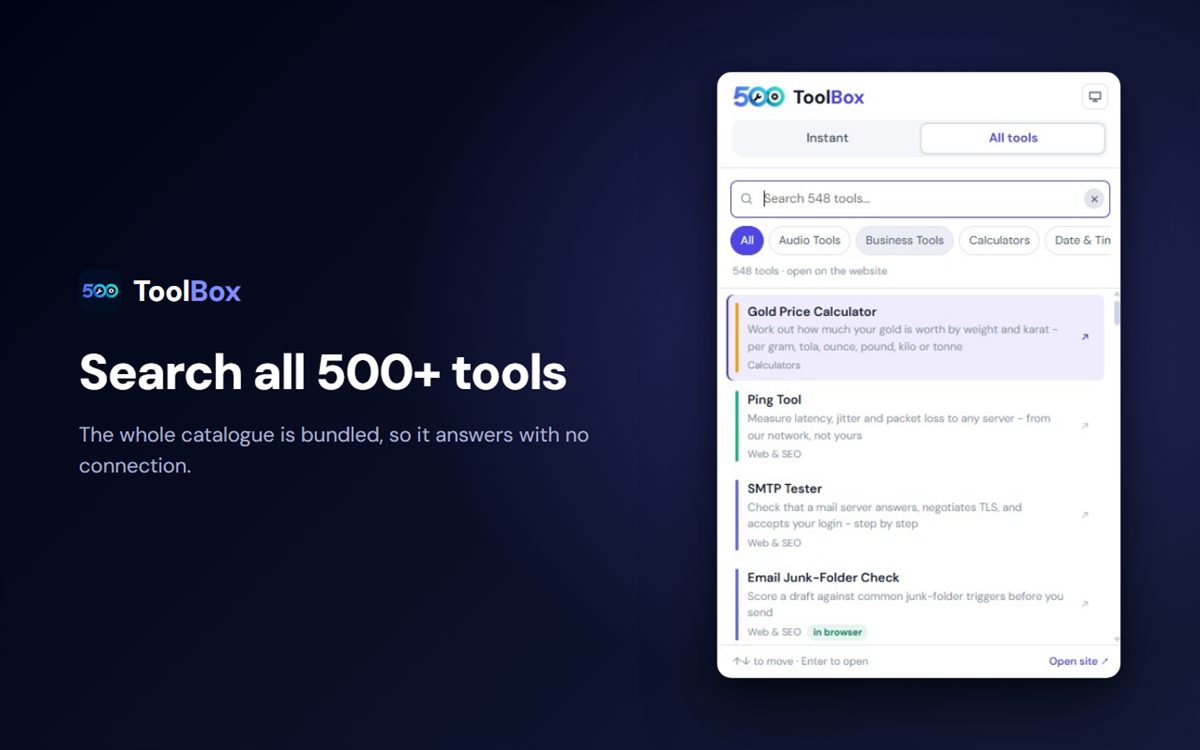
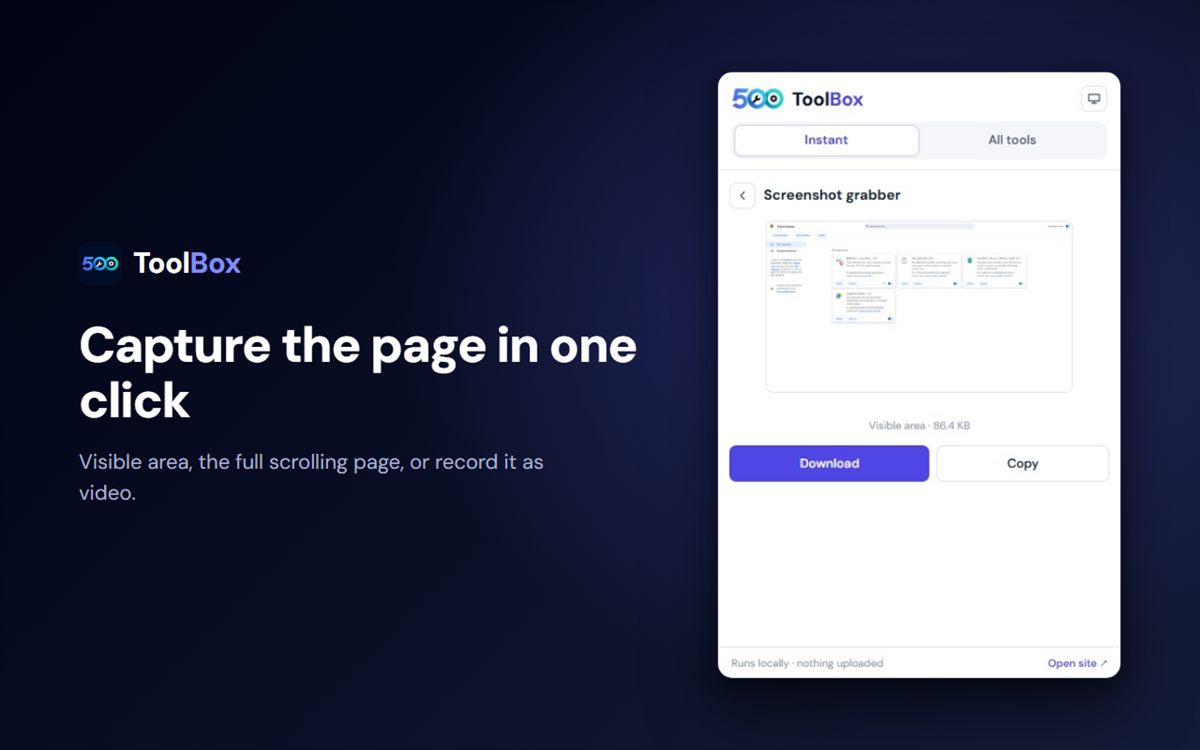
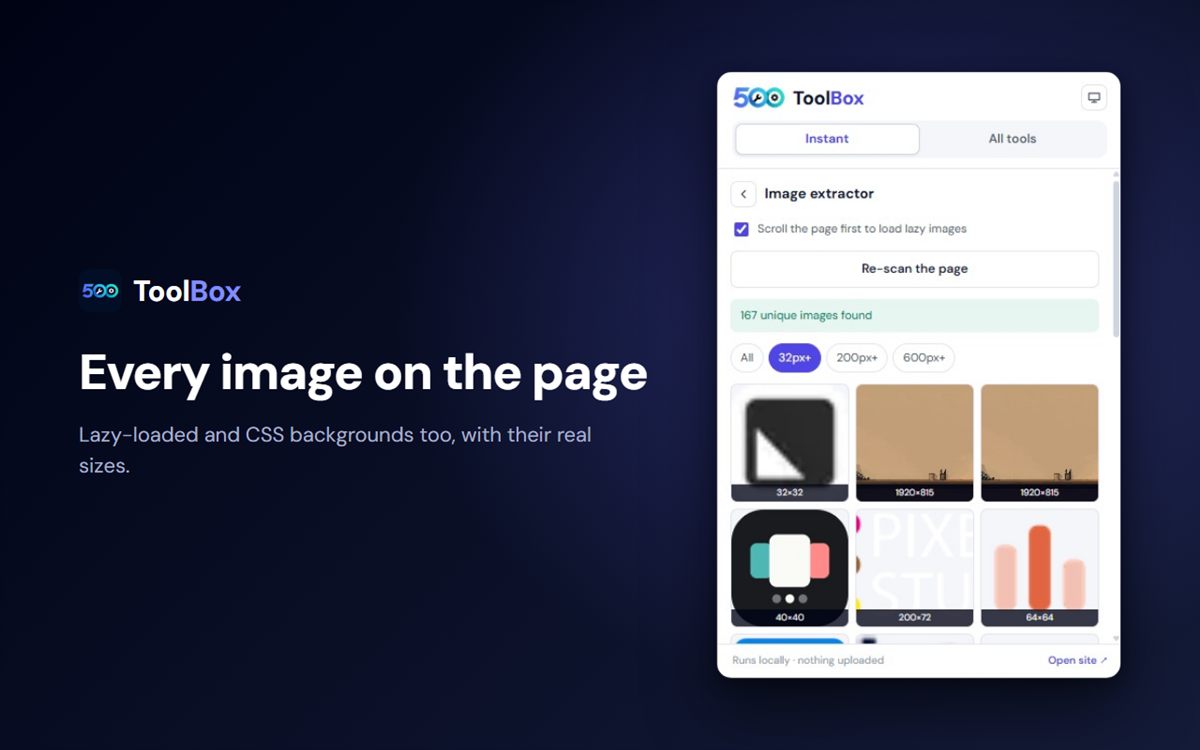
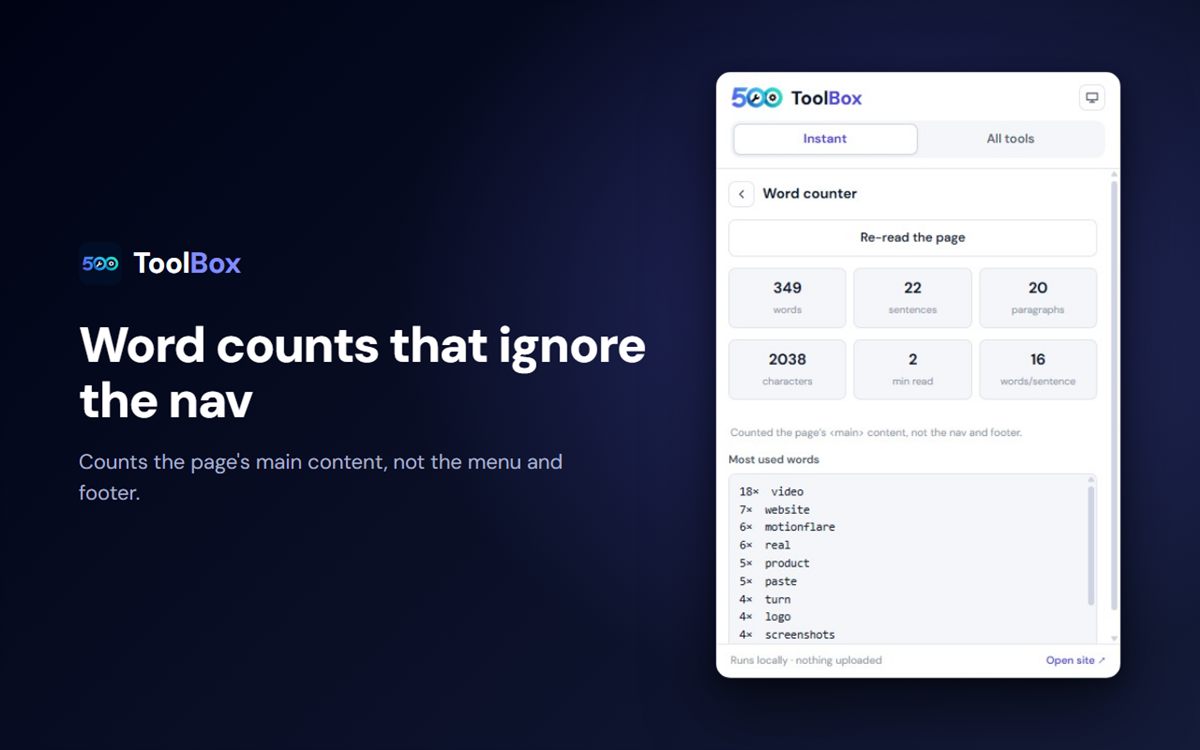
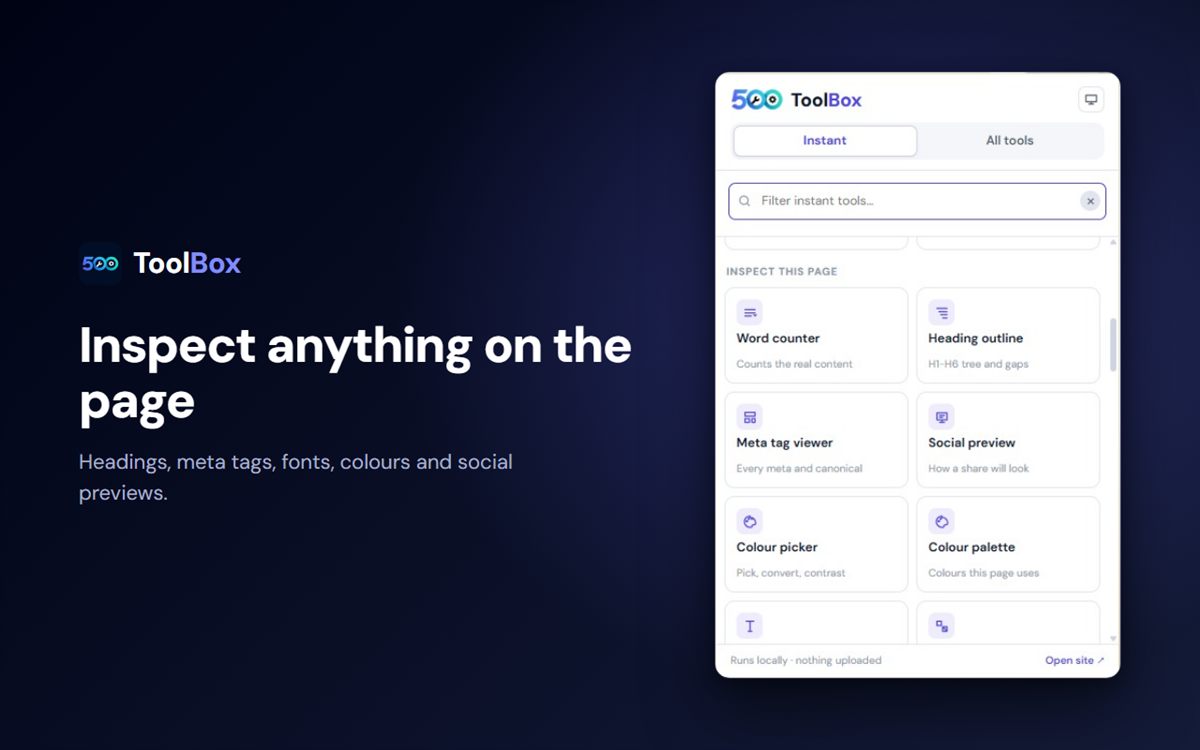
50 tools that finish in the popupNo upload, no account, no switching tabs.Auto refresh, done properlyFixed or random intervals, a limit, and a timer on the page.Search all 500+ toolsThe whole catalogue is bundled, so it answers with no connection.Capture the page in one clickVisible area, the full scrolling page, or record it as video.Every image on the pageLazy-loaded and CSS backgrounds too, with their real sizes.Word counts that ignore the navCounts the main content, not the menu and footer.Inspect anything on the pageHeadings, meta tags, fonts, colours and social previews.
All fifty tools, grouped
Every one of these runs inside the popup and finishes there. Grouped so a tool is easy to find - and searchable if it isn't.
tab This page 7
Acts on the tab you are looking at.
Auto refreshReload on a timer - fixed or random, with a limit
Screen recorderRecord a tab, a window or the whole screen
Full page captureScrolls and stitches the whole page
Screenshot grabberJust the visible area
QR code makerThis page, a link or any text
URL inspectorSplit, encode and decode a URL
SEO length checkerTitle and description pixel lengths
fact_check Audit a page 10
Reads the page you are on and reports back.
Page inspectorSEO and content audit in one pass
Word counterCounts the real content, not the nav and footer
Heading outlineH1-H6 tree, with the gaps left open
Meta tag viewerEvery meta tag and the canonical
Social previewHow a share will look on each network
Link extractorEvery link, grouped by destination
Image extractorLazy-loaded and CSS backgrounds, with real sizes
Text extractorYour selection, or the whole page
Load speedTTFB, FCP and the request count
Cookies & storageWhat the site keeps on your machine
palette Inspect & pick 6
Point at anything on the page and read it.
Colour pickerPick a colour, convert it, check contrast
Colour paletteThe colours this page actually uses
Font inspectorClick any text, get its font
Fonts usedEvery family loaded on the page
Element inspectorClick anything, see its box and styles
Table to CSVTurn any table on the page into CSV
image Images 3
Compress and resize without an upload.
Image compressorDrop, paste, or pick one off the page
Image resizerAny width, any format
Aspect ratio calculatorReduce a ratio and scale it
text_fields Text 7
The everyday writing and cleanup jobs.
Case converterCounts words as it converts case
Line sorterSort, dedupe and number lines
Text comparerSee exactly what changed
Slug generatorA URL-safe slug from a title
HTML entity encoderEncode and decode entities
Text to speechReads text aloud with local voices
Lorem ipsum generatorPlaceholder copy at any length
Unit converterLength, weight, temperature and more
Percentage calculatorThe five sums people actually need
Timestamp converterUnix time to a human date
Date calculatorDays between two dates
Time zone converterOne time, everywhere
Random pickerA number, or pick one from a list
search Need something else? The All tools tab searches all 579 tools and opens your pick on 500toolbox.com.
Install in four steps
1
Add it to Chrome
Open the store listing and press "Add to Chrome", then confirm. It installs in a second and asks for no access to the sites you visit.
2
Pin it, or learn one shortcut
Click the puzzle-piece icon in Chrome and pin 500Toolbox to the toolbar - or skip pinning entirely and press Ctrl+Shift+K (Command+Shift+K on a Mac) from any page.
3
Pick a tool and watch it finish
Open the popup and choose from the fifty tools, grouped so one is easy to find. Everything runs inside the popup: no upload, no account, no new tab.
4
Reach anything else through search
The All tools tab searches the whole catalogue - every tool on 500toolbox.com - and opens the one you pick on the site.
check_circleNothing is uploaded. The compressor, resizer and converters run inside the popup, on your machine - which is also why they work offline.
check_circleNo page history. There is no content script and no background reader. A page is touched only when you open a tool that acts on it.
check_circleNo account needed. Everything in the popup works signed out; signing in is only for the site's saved invoices and quotes.
check_circleYour settings stay local. The theme and recent tools are stored in your own browser profile.
Exactly what it can access
Six permissions - and none of them is "read every site you visit".
activeTab
Lets the capture and page tools act on the tab you are looking at. Granted by the click that opens the popup, and it expires the moment the popup closes.
scripting
Runs the page-inspection tools - headings, meta tags, fonts, colours - inside the page you asked about, and nowhere else.
tabs
Reads the title and address of your tabs so a capture or a refresh lands on the right one.
alarms
Drives the auto-refresh timer, including the "reload every N seconds" mode.
storage
Remembers your theme choice and your recently used tools, in your own browser.
contextMenus
Adds the right-click menu entries.
The install shows no "read and change all your data on all websites" warning. Broad page access is optional in the manifest and is only requested if a feature you turn on needs it.
Two more things worth knowing
ads_click The right-click menu
Right-click an image or a selection and 500Toolbox appears in the menu. It opens the matching tool on the website - it does not carry the file or the text across yet, so treat it as a shortcut to the right tool rather than a hand-off.
dark_mode Light, dark, or your system
The theme button cycles system, then light, then dark, and remembers your choice. The popup borrows this site's colours and font, so it does not read as a different product bolted on.
Questions
Do I need an account?
No. Every popup tool works signed out. An account only matters for the site’s saved invoices, quotes and cloud history.
Are my files uploaded anywhere?
No. The compressor, resizer and converters run in the popup, on your machine. Nothing is sent to a server, which is also why they work offline.
Does it read the pages I visit?
Only the tab you point it at, and only while the popup is open. There is no content script running in the background, no page history and no browsing data collection.
Does it work offline?
The fifty popup tools do: the catalogue is bundled into the extension instead of fetched, so search and the tools keep working with no connection. Anything that needs the site opens it in a new tab.
Which browsers can install it?
Chrome and anything Chromium-based - Edge, Brave, Opera and Vivaldi all install the same listing.
What does the right-click menu do?
It opens the matching tool on 500toolbox.com. It does not carry the image or the selected text across yet, so it is a shortcut rather than a hand-off.
Is it really free?
Yes, with nothing to unlock inside the popup. The paid product on this site is the separate API and MCP server.
Put the toolbox in your toolbar
Fifty tools one click away, on every page you visit - and nothing uploaded, ever.
Works in Chrome, Edge, Brave, Opera and Vivaldi · v1.16.3
Cookies & analytics
We use optional analytics cookies to understand which tools people use and improve the site. Tools themselves run in your browser and do not need cookies. See our Cookie Policy and Privacy Policy.