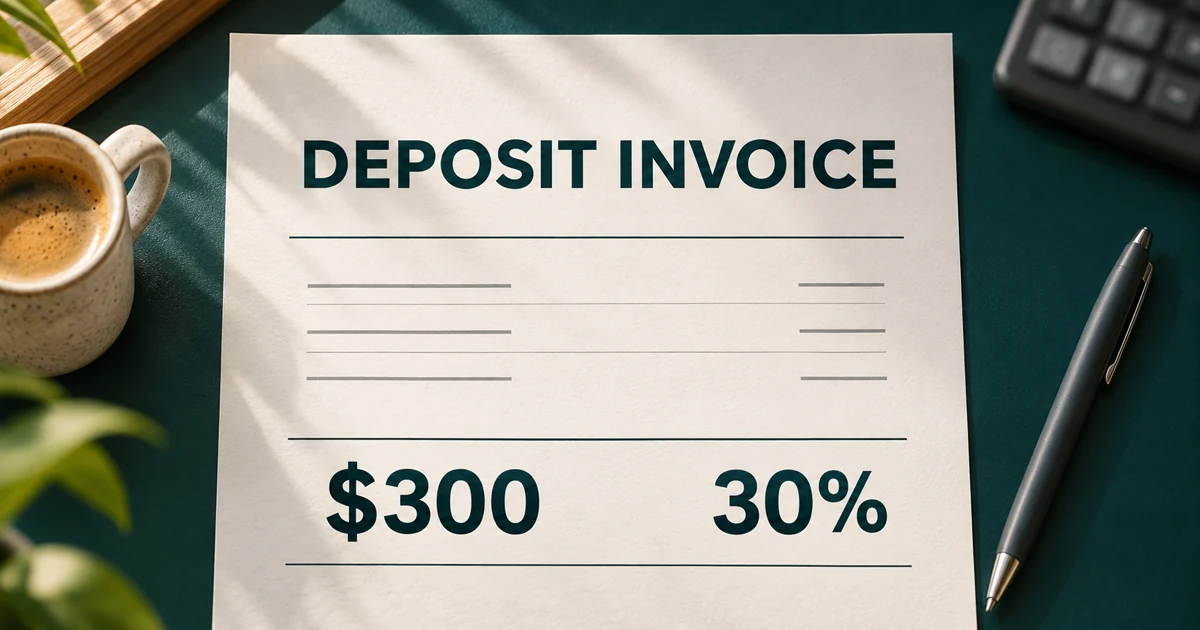
Deposit Invoice Template for Freelancers (With a 30% Example)
Table of contents
A deposit invoice requests the amount a client agreed to pay before you start work or reserve a booking. If the project costs USD $1,000 and the agreed deposit is 30%, the invoice should ask for $300 now and explain when the remaining $700 is due. Put the amount due now beside the payment instructions so the client can find it at a glance.
When should you send a deposit invoice?
Send it after the client approves the scope, price, and payment schedule and before the date reserved for kickoff. The invoice should match the agreement the client already accepted. A request for 30% can surprise a client if the quote only mentioned payment after completion.
Agree on what payment triggers. For example, a photographer may confirm the booking when the deposit clears, while a designer may schedule kickoff for the following week. Write the trigger and the date together so the client knows whether immediate payment is essential.
Example payment wording
“A 30% deposit is due by 5 May to confirm the 12 May kickoff. The remaining 70% is due within seven calendar days of final delivery.”
If the client’s accounts team only pays on scheduled runs, ask when the invoice can realistically be processed. Agree on a kickoff date that works for both sides before promising a slot.
Copy this deposit invoice template
Invoice [number] · Deposit for [project name]
From [your name or business and billing details]
Bill to [client’s legal name and billing details]
Issued [date] · Deposit due [date]
Project total [amount and currency]
Line item [percentage or fixed deposit] for [scope or booking]
Amount due now [deposit amount and currency]
Remaining balance [amount], due [date or agreed milestone]
Pay via [method] and use [invoice number] as your reference.
Use the same project name and payment schedule as the approved quote or agreement. If the client needs a purchase order number or a specific billing email, ask for it before sending the PDF.
Worked example for a $1,000 freelance project
A designer and client agree to a $1,000 landing page project. The client pays 30% before kickoff and the remaining balance within seven days of final delivery. This example uses USD and leaves tax out of the arithmetic.
| Detail | Deposit invoice INV-024 | Final invoice INV-025 |
|---|---|---|
| Agreed project price | $1,000 | $1,000 |
| Deposit | $1,000 × 30% = $300 requested | −$300 paid against INV-024 |
| Amount due on this invoice | $300 | $700 |
| Due date | 5 May | 25 May, seven days after delivery |
Use a new invoice number for the final bill if your workflow uses two invoices. Credit the deposit only after it has been received. If it is still outstanding, reconcile the open invoice before sending another request for the same money. If your bookkeeping system already applies the deposit as a payment, use that workflow so the deposit is counted once. QuickBooks’ upfront deposit workflow shows an example of applying a payment to the final invoice.
How to calculate a 50% deposit, a flat deposit, or milestone payments
For a percentage, multiply the agreed amount by the percentage written as a decimal. For a flat deposit, use the fixed amount in the agreement. If you invoice in stages, record the amount requested and received at each stage so the total across all invoices agrees with the approved price.
| Payment plan | Due upfront | Due later |
|---|---|---|
| 50% deposit on $1,200 | $600 | $600 at delivery |
| $250 flat deposit on $900 | $250 | $650 at delivery |
| 30/40/30 split on $2,000 | $600 | $800 at the agreed milestone and $600 at delivery |
Give milestones names a client can verify. “First draft approved” tells both sides when $800 becomes due. “Mid-project” can mean different things to the freelancer and the client. When percentages do not produce neat cent values, calculate the final installment by subtracting the earlier billed amounts from the agreed total.
How to show a deposit paid on the final invoice
Suppose the $300 deposit cleared and the client later approved a $150 add-on. The final project total is now $1,150, so the final balance is $850. Keep the original deposit at $300 unless both parties agreed to change it. List the add-on separately so the client can match it to their approval.
| Final invoice line | Amount |
|---|---|
| Original landing page project | $1,000 |
| Approved add-on · extra page section | $150 |
| Less deposit received · INV-024 | −$300 |
| Final amount due | $850 |
Some systems show the full project total and apply the deposit in a separate payments section. If yours works that way, let it calculate the balance. Adding a manual credit as well would deduct the deposit twice. If the deposit came in as two smaller payments, reconcile both against the original request before entering the total received.
How to make a deposit invoice PDF
- Use the agreed amount. Multiply the project price by the deposit percentage or use the agreed flat amount. Confirm which charges the deposit calculation covers.
- Open the free invoice generator. Set the currency, client, invoice number, and due date. Add one line item for the deposit. In the example, use “30% deposit for landing page design,” quantity 1, and a rate of $300. Put the project total and remaining balance in the notes.
- Check the preview and export the PDF. Make sure the total payable is $300. Save the file with a name your client can find, such as
INV-024-Landing-Page-Deposit.pdf. - Reference the payment on the final bill. If preparing a separate PDF in ToolBox, add the $1,000 project line and use a negative Custom adjustment labeled “Deposit paid · INV-024.” Check that the final amount due is $700 before sending.
Copy this email when sending the invoice
Subject · Deposit invoice INV-024 for landing page design
Hi Sam, I’ve attached the $300 deposit invoice for the landing page project. It’s due on 5 May. Please use INV-024 as the payment reference. Once payment comes through, I’ll confirm our kickoff. The remaining $700 is due seven days after final delivery, as agreed. Thanks, Alex
Deposit invoice, pro forma invoice, or receipt?
- Quote
- Use it to present the scope and price for approval. Include the proposed payment split so both sides can agree to it before an invoice goes out.
- Pro forma invoice
- Use it when the client needs a preliminary billing document to review the proposed charges or arrange payment. Ask their accounts team which document they need for processing.
- Deposit invoice
- Use it to request the agreed upfront payment when your invoicing process calls for a separate bill.
- Payment receipt
- Use it to confirm how much you received and when. Refer to the original invoice number so the client can match the documents.
Before you send the deposit invoice
- Check the client’s billing name, contact, invoice number, and project reference.
- Match the currency, deposit amount, due date, and final payment trigger to the agreement.
- Review the PDF total and payment instructions on a phone. Confirm that project totals in the notes cannot be mistaken for the amount currently payable.
- Save the PDF with the accepted quote. When the deposit clears, record the amount, date, and payment reference together.
How to handle a deposit when you reschedule a project
Confirm the new kickoff, remaining payment date, and deposit treatment in writing. If the original $300 still applies, keep its invoice reference and explain that the payment moves with the booking. If your agreement calls for a refund or adjustment, record it in your accounting system and confirm the amount with the client before sending another invoice.
Deposit invoice questions
Can I invoice a 50% deposit?
Yes, if that is the split you agreed with the client. On a $1,000 project, bill $500 upfront and explain when the other $500 becomes due. The same template also works for a fixed deposit.
What if the client asks for a pro forma invoice?
A pro forma sets out the proposed charges before the final billing document. If procurement asks for one, use the pro forma invoice generator and confirm which document they need for payment. Tax treatment and invoice requirements vary by location. Follow your local rules and accounting workflow for advance payments.
Should I call the deposit non-refundable?
Use the cancellation and refund wording from your signed agreement and check that it fits the rules that apply to the transaction. If the refund policy was never agreed, clarify it with the client before invoicing.
What should I write on a deposit invoice line item?
Name the project and explain the charge. For example, write “30% deposit for landing page design under quote Q-018.” A fixed deposit could read “Booking deposit for studio photography on 12 June.” The line should make sense to someone in accounts who has never spoken to you.
Do I send two invoices for a deposit and final payment?
You can use two separate invoices when your accounting process supports that. Some systems instead issue one project invoice and record part payments against it. Pick the method that gives the client one clear balance to pay and keeps your records consistent.
Should I include the full project price on a deposit invoice?
Yes, if it helps the client understand the payment split. Put the full project price in a reference or notes field and make the deposit the amount payable on the invoice. Check the exported PDF so the full project price and the deposit are clearly labeled.
Can I make a deposit invoice in Word, Excel, or as a PDF?
Yes. Paste the template above into Word, use Excel if you want a formula for the percentage, or create the PDF in ToolBox. Keep your editable copy for your records and send the finished PDF so the total, due date, and payment instructions travel together.
What if a client pays less than the deposit requested?
Record the amount actually received and tell the client what is still due. If the contract or quote says the full deposit confirms the booking, follow that agreement before treating the date as confirmed. Make sure the final invoice credits only the payments you received.
Should I charge VAT, GST, or sales tax on a deposit?
Tax treatment depends on your location, registration, the transaction, and when payment is received. The USD examples here deliberately leave tax out. Check your tax authority’s rules or ask your accountant before issuing a tax invoice or adding tax to the deposit example.
Ready to send your first request? Open the free Invoice Generator and start with the amount the client owes today.
What does a client get once the deposit clears?
Confirm the date, amount received, original invoice number, and next milestone. If they need a payment document, issue a separate confirmation with the Receipt Generator or your accounting system. Keep the outstanding project balance on your own tracker so you can reconcile it against the final bill.
Related posts

Certificate of Completion Template and Wording Examples
Copy wording for courses, workshops, and staff training. See what to include, how to make a printable PDF, and how to verify or reissue a certificate.
How to Add a Payment QR Code to an Invoice
How payment QR codes work, which methods support them, and how to add one to an invoice.
How to Invoice as a Freelancer: A Complete Guide
From agreeing terms to chasing late payments - invoicing for freelancers, start to finish.
How to Number Invoices: Formats, Rules and Examples
The rules every invoice numbering system should follow, with formats you can copy.